
Match to a real business
A domain, name, phone, or email resolves to a single company entity rather than a fuzzy string match.
Append firmographics, verified contact channels, filing history, and reputation signals to existing CRM records — one at a time, across a whole list, or continuously through the API.
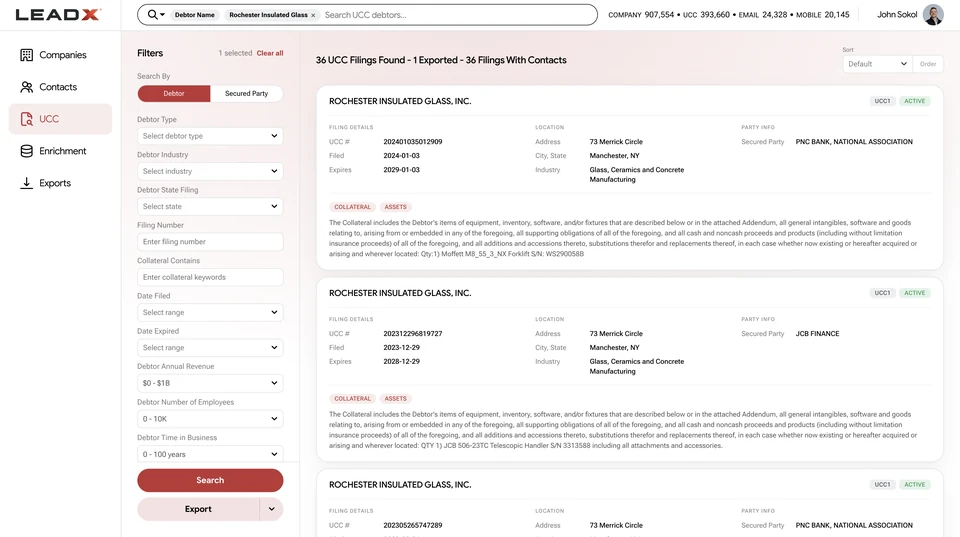
A company name and a stale email is not a workable record. Enrichment resolves what you hold to a real business entity, then appends the fields that make it usable: industry and size, verified email and mobile, financing history, and reputation. Because resolution happens against one canonical company record, the same account does not arrive three times under three spellings. Learn how to sync enrichment into your CRM and run a bulk enrichment workflow.
A domain, name, phone, or email resolves to a single company entity rather than a fuzzy string match.
Firmographics, contacts, verified email and mobile, filings, reviews, and BBB signals.
Contact records carry validation signals so invalid channels can be removed pre-campaign.
HubSpot, Salesforce, Zoho, Pipedrive, and Microsoft Dynamics, or the API for custom pipelines.
Turn a form fill into a full company and contact record automatically.
Update stale firmographics and re-validate contact channels at list scale.
Collapse duplicate accounts onto one resolved company entity.
Add filing and reputation context to accounts already in pipeline.
Adding missing or updated attributes to records you already hold: firmographics on an account, a verified email or mobile on a contact, or filing and reputation context on both. The record stays yours; enrichment fills the gaps.
Yes. A domain, email, or company name can be resolved through the API and returned as a full company and contact record, so a form fill becomes a qualified account without manual research.
HubSpot, Salesforce, Zoho, Pipedrive, and Microsoft Dynamics. Teams running custom stacks or reverse-ETL use the API against the same records.
It helps. Because records resolve to a single company entity, duplicates created by name and address variants can be collapsed onto one canonical account rather than deduplicated by string similarity. See entity resolution.
Contact records carry validation signals indicating confidence in an email or phone number, so unverified channels can be filtered out before a send rather than discovered through bounces.
Yes. UCC filing history can be appended to existing accounts, which is how teams surface financing activity against a book they already manage.